How to Become a PNGTuber: Images, Free Software and OBS Setup
What a PNGTuber is, the images you actually need, free software like veadotube mini, how to add it to OBS with transparency, and when it makes sense to move up to Live2D.

A PNGTuber is a streamer who appears as a drawn character made of still images instead of a webcam. The simplest version uses two images — mouth closed and mouth open — and free software switches between them when your microphone picks up your voice. You need the images, a free app such as veadotube mini, and OBS. No face tracking, no rigging, no expensive model.
PNGTuber vs VTuber
| PNGTuber | Live2D VTuber | |
| What moves | Images swap when you talk; optional bounce or shake | Head, eyes, mouth and hair follow your face |
| Driven by | Your microphone (and hotkeys) | Webcam or phone face tracking |
| What you need | 2+ transparent PNG images | A rigged Live2D model |
| Software | veadotube mini and similar free apps | VTube Studio and similar |
| PC load | Very light | Light to moderate |
| Best for | Starting fast, art you drew yourself, low-spec PCs | Expressive, face-driven streams |
Many streamers start as PNGTubers and move to Live2D later. Others stay — a strong, expressive PNG character with good reactions is a complete style of its own, not a lesser version of VTubing.
The images you need
Every image must be a PNG with a transparent background, all at exactly the same canvas size, with the character in exactly the same position. Otherwise the avatar jumps when it switches.
| Minimum (2 images) | Idle (mouth closed) · Talking (mouth open) |
| Better (4 images) | Idle · Talking · Blinking idle · Blinking talking |
| Expressive (extra states) | Happy · Surprised · Angry · Sad — switched with hotkeys |
A square canvas around 1000 × 1000 px or larger gives you room to scale the avatar up in OBS without blur. Draw them yourself, commission an artist (PNGTuber sets cost far less than a rigged model), or buy a ready-made set — and always check the licence covers streaming.
Free PNGTuber software
veadotube mini is the most common starting point. It is free (the developer accepts optional donations) and works like this:
- Pick your microphone and set the voice threshold — the level your voice has to pass before the avatar "talks".
- Import your idle image as the base state and your talking image for when you speak.
- Add extra states for expressions and assign each one a hotkey.
- Choose idle and talking animations, such as a small bounce when you speak.
Other free PNGTuber apps exist, including browser-based ones and community tools on itch.io; they follow the same idea of voice-activated image states.
Adding your PNGTuber to OBS
- Keep the PNGTuber app open while you stream.
- In OBS, add a Game Capture source, set the mode to Capture specific window and pick the app's window.
- In the source's properties, tick Allow Transparency. The app's background disappears and only the character remains.
- If transparency does not work, use Window Capture instead and add a Color Key filter matching the app's background colour.
- Place the avatar in a corner the game does not use, or make it large on a Just Chatting scene.
Set the voice threshold with your game running: if game sound or keyboard clicks reach the mic, the avatar will "talk" on its own. A noise gate on the microphone in OBS helps.
Give your character a place to be
A PNGTuber floating over a flat colour looks unfinished. An animated background — a cozy room, a forest, a neon city — places the character somewhere and makes a still avatar feel alive, because the scene behind it moves. It is the single biggest visual upgrade for a PNGTuber stream, and the same backgrounds work if you move to Live2D later.
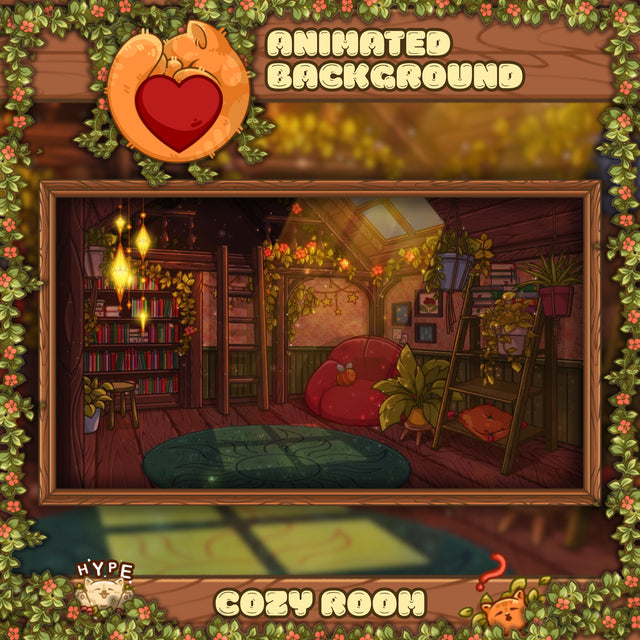 Animated BackgroundCozy Room Animated VTuber Background
$9.99
 Animated BackgroundCozy Galaxy Room Animated VTuber Background
$9.99
 Animated BackgroundCyberpunk Room Animated VTuber Background
$9.99
Layer it the same way as for a VTuber: background at the bottom, avatar above it, overlay and alerts on top. Our VTuber background guide covers the layer order in detail.
Making a PNGTuber feel alive
- More states, not more images per state. Four well-drawn expressions on hotkeys do more than a complex animation.
- Blink. A blinking idle image is a small change with a big effect.
- React on purpose. Hit the surprised or angry hotkey at the right moment — it is part of the performance.
- Let the scene do the motion. Animated backgrounds, alerts and chat give the screen life while the avatar stays simple.
When to move up to Live2D
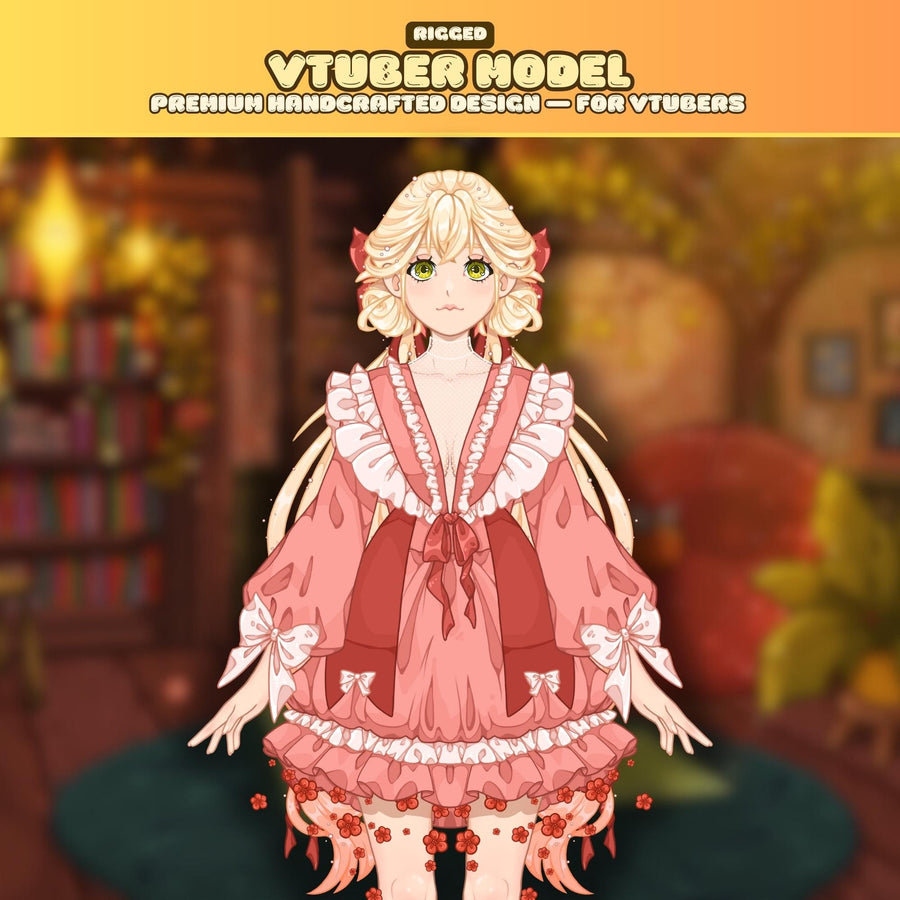
Move up when you want your face to drive the character — head turns, eye contact, lip sync. A ready-made rigged model lets you try that without a commission. See how to become a VTuber on a budget and how to set up a Live2D model in VTube Studio.
FAQ
What is a PNGTuber?
A streamer represented by a drawn character made of still PNG images that switch when they talk, instead of a webcam or a face-tracked 3D or Live2D model.
How many images does a PNGTuber need?
Two at minimum: mouth closed and mouth open. Four (adding blinking versions) looks noticeably better, and extra expressions can be added on hotkeys.
What software do PNGTubers use?
veadotube mini is a popular free option. It switches images based on your microphone and supports hotkeys for expressions.
How do I remove the background of my PNGTuber in OBS?
Use a Game Capture source on the app's window with Allow Transparency ticked, or a Window Capture with a Color Key filter.
Can I be a PNGTuber on a low-end PC?
Yes. PNGTuber apps are very light — far lighter than face tracking.
Can I use a PNGTuber on YouTube, Kick or TikTok?
Yes. The avatar is part of your OBS scene, so it appears on any platform you stream to.