Skip to content

GUIDES

Setup & Tech

Step-by-step setup for OBS, StreamElements, alerts, transitions and VTuber scenes — plus fixes for when something does not show up.

OBSAnimated StreamElements overlay running in OBS Latest guide

StreamElements vs Streamlabs: Which One Should You Use?

Cloud overlays vs a desktop app, what is free and what is paid, alerts, chatbots, tips and merch — and the setup most streamers end up with: OBS plus StreamElements.

3 min read
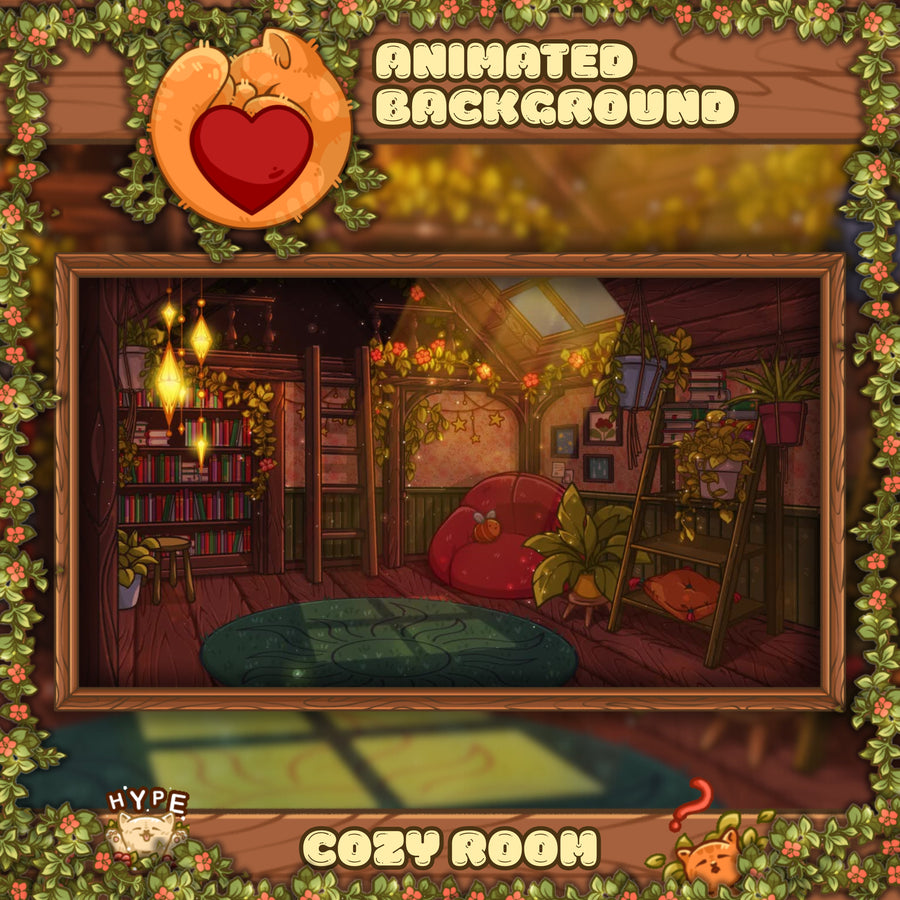
BeginnerCozy animated room background for a PNGTuber or VTuber stream

How to Become a PNGTuber: Images, Free Software and OBS Setup

What a PNGTuber is, the images you actually need, free software like veadotube mini, how to add it to OBS with transparency, and when it ...

4 min read
MultistreamingAnimated neon stream overlay ready for Twitch and YouTube

How to Multistream to Twitch and YouTube: Rules, Setup and Overlays

What Twitch's simulcasting rules allow, the two ways to send one stream to several platforms, the upload you need, and how to keep overla...

5 min read
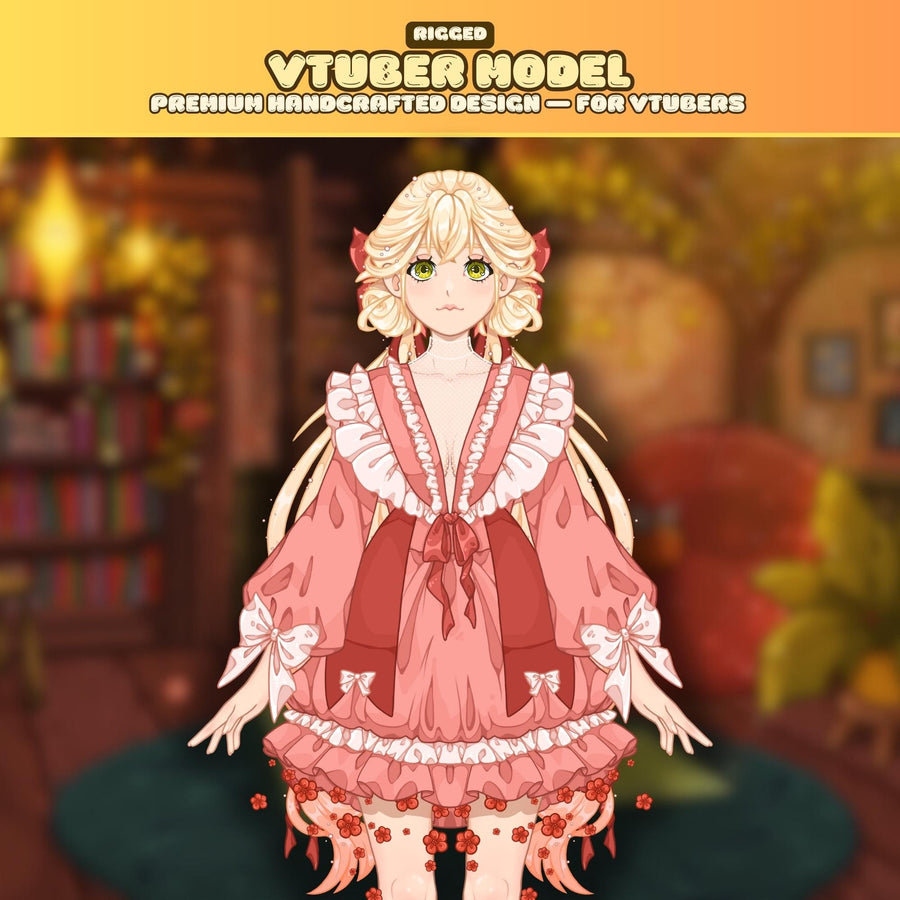
BeginnerReady-to-use rigged Live2D VTuber model for VTube Studio

How to Become a VTuber on a Budget: What You Actually Need

Ready-made model vs commission, what rigging means, VTube Studio's watermark and licensing catch, webcam vs phone tracking, and a realist...

5 min read
BeginnerComplete cozy cats Twitch stream setup with overlay, screens and alerts

How to Start Streaming on Twitch: A Beginner Setup Checklist

What you need, what can wait, the OBS settings to start with, the four scenes every stream needs, and the current Twitch Affiliate criter...

6 min read
OBSVertical stream overlay layout for TikTok and YouTube Shorts

Vertical Stream Setup: Overlays and Chat for TikTok LIVE, Shorts and Reels

A vertical stream is not a 16:9 stream turned sideways. The canvas, the layout, the chat and the requirements are all different. Here is ...

5 min read
OBSCozy Cats animated stream overlay shown at 1920 by 1080

Stream Overlay Size Guide: Canvas, Scaling and Safe Areas

Why overlays are built at 1920 × 1080 no matter what you stream at, how OBS scaling really works, where Twitch covers your layout, and th...

5 min read
OBSAnimated fantasy tavern stream overlay running as an OBS browser source

Do Animated Overlays Hurt Your FPS? What Browser Sources Actually Cost

The honest answer: an animated overlay costs something, but far less than most people assume, and almost never where they think. Here is ...

5 min read
Live2DRigged Live2D VTuber model ready for VTube Studio

How to Set Up a Ready-Made Live2D Model in VTube Studio

You bought a rigged model and now you have a folder of files you have never seen before. This walks through importing it into VTube Studi...

3 min read
ChatAnimated Twitch chat overlay widget shown on a stream

How to Put Twitch Chat on Stream in OBS (and Make It Readable)

Putting chat on screen is easy. Making it readable on a phone, over bright gameplay, and in a VOD that still makes sense a week later is ...

4 min read
OBSSubathon timer widget on a Twitch stream overlay

How to Run a Subathon on Twitch Without Burning Out

A subathon is simple on paper: subs add time, the stream stays live. The hard part is picking rules that grow your channel instead of tra...

5 min read
Capture cardRetro 80s neon city stream overlay with palm trees and a sunset skyline

How to Stream GTA 6 on Launch Day: Console, Capture Card and Overlay Setup

GTA 6 launches on consoles only. Built-in broadcast or capture card, the PS5 HDCP switch, OBS setup and an overlay layout that keeps the ...

5 min read
OBS

OBS Stinger Transitions: What They Are and How to Set One Up

A stinger hides the cut between scenes behind an animation. It is the cheapest upgrade that makes a stream look produced rather than impr...

Step 2 · Level up your look 2 min read