Stream Setup Guides

Stream Schedule Graphics: Making One People Actually Follow
A schedule graphic only works if it is specific, current and posted where people will see it. Most fail on at least one of those. Read more...
Setting Up a Discord Server for Your Stream Community
Your Discord is where your community lives between streams. Here is the channel structure that works, the roles you actually need, and the three ways to get a server set up. Read more...
Stream Screens Explained: Starting Soon, Be Right Back, Ending and Offline
Four screens cover the moments you are not on camera. Most streamers use one of them and waste the other three. Read more...
OBS Stinger Transitions: What They Are and How to Set One Up
A stinger hides the cut between scenes behind an animation. It is the cheapest upgrade that makes a stream look produced rather than improvised. Read more...
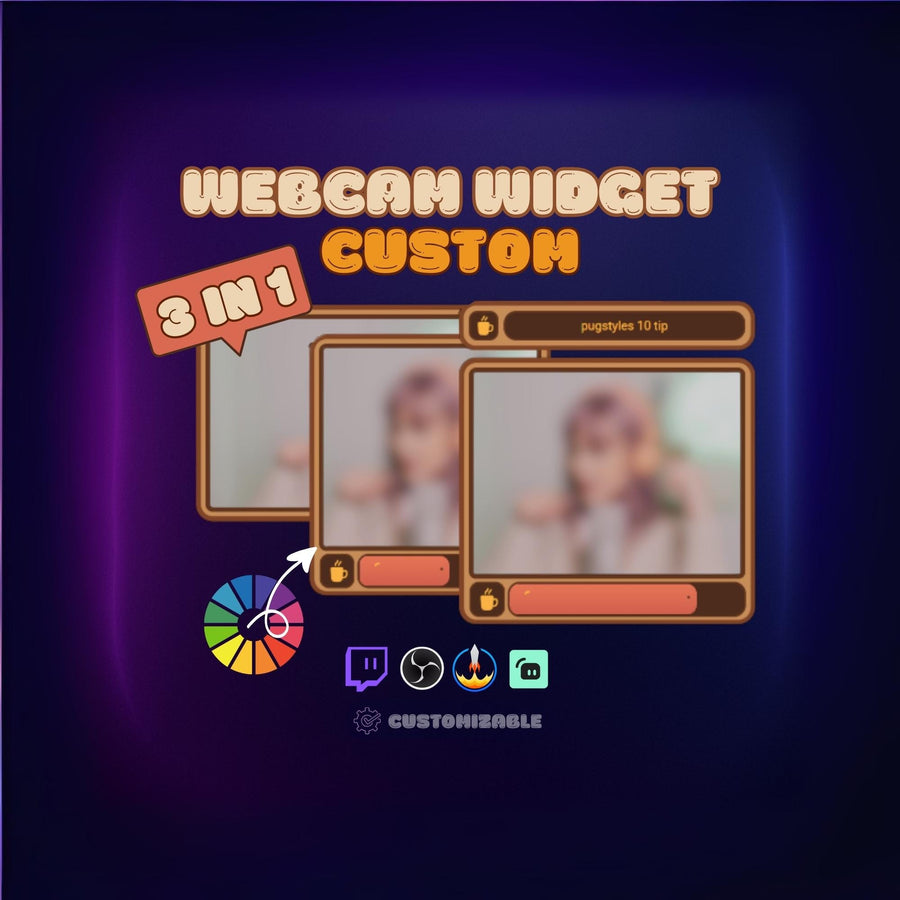
How to Set Up Twitch Alerts for Follows, Subs, Tips and Raids
Alerts are the first thing viewers notice when they support you. Here is how to set them up properly, which events to enable, and the settings people get wrong. Read more...
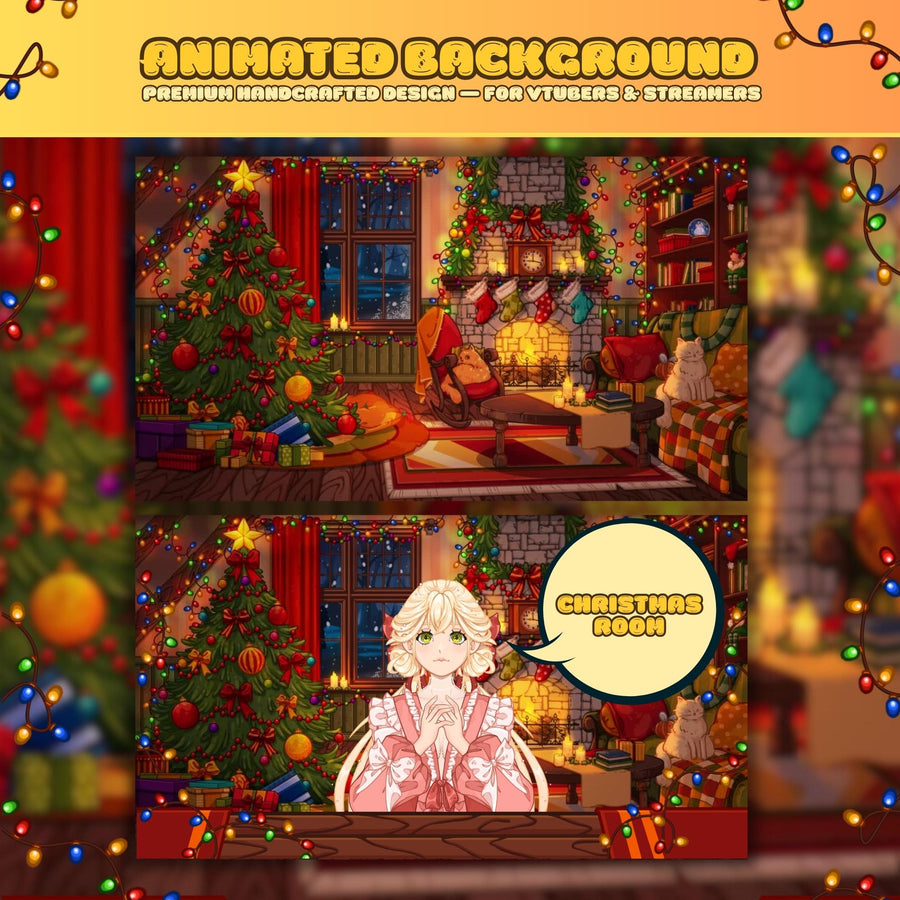
VTuber Background Setup: Layering Your Model, Background and Overlay
A VTuber scene is three layers in the right order. Get the order wrong and your model disappears behind the background. Read more...
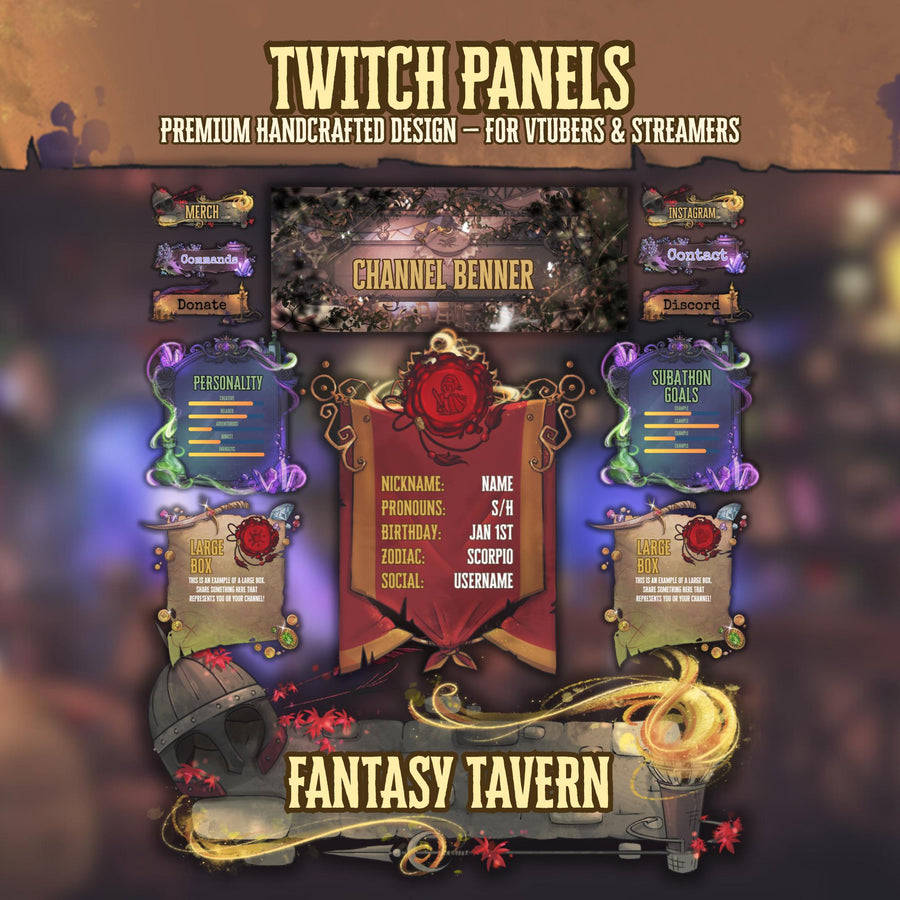
Setting Up Your Twitch Channel Page: Panels, Banner, Badges and Emotes
Your channel page is what people see when you are offline — which is most of the time. Here is what goes in each slot and the order to fill them. Read more...
Cozy Stream Setup: How to Build a Look That Actually Matches
Most beginner streams look unfinished for one reason: the parts were collected separately. Here is the order to build a matching setup, and which pieces actually matter. Read more...
Why Overlays Install Through StreamElements — and How to Use Them in OBS or Streamlabs
A one-click install link is not a lock-in. Here is what StreamElements actually does in the chain, and how the same overlay runs in OBS, Streamlabs or Twitch Studio. Read more...
Overlay Not Showing in OBS? Work Through This Checklist
Nine things that stop an overlay appearing in OBS, ordered from most to least common. Most of them are one checkbox. Read more...
How to Add a Stream Overlay to OBS Studio (Browser Source Guide)
An animated overlay is not an image you drag into OBS — it is a Browser Source. Here is the full setup, including the two settings that cause most of the problems. Read more...