Free vs Paid Stream Overlays: What You Actually Get
An honest comparison: when a free overlay is enough, what paid packs add, the licence details to check either way, and a checklist for judging any overlay before you use it.

A free overlay is enough to start streaming, and nobody should feel they have to buy one before their first broadcast. What a paid overlay adds is not "better pictures" so much as a complete, matching set — overlay, screens, alerts and chat in one design — plus animation, live data, a clear licence and someone to ask when something breaks. This is an honest look at both, written by people who sell overlays, so judge it accordingly.
The short comparison
| Typical free overlay | Typical paid pack | |
| What you get | One frame or one scene | Overlay, screens, alerts, often chat and panels, in one style |
| Format | Often a static PNG | Often animated, sometimes live widgets that react to events |
| Customisation | Edit in an image editor, if source files are included | Often colours and text editable in settings |
| Licence | Varies — may require credit or exclude monetised use | Usually stated clearly, including monetised streams |
| Uniqueness | Widely used | Shared with other buyers, but far fewer |
| Support | Rarely | Usually a seller you can message |
Neither column is "right". The question is which problems you have right now.
When a free overlay is enough
- Your first streams. Audio, stability and consistency matter far more. Our beginner checklist puts the overlay at step 5 for a reason.
- You are still deciding on a look. Try free styles until you know what fits you, then invest in that direction.
- You only need one piece — a simple webcam frame for a game that already fills the screen.
- You design your own. If you have the skills, a free template is a starting point, not a final product.
What paid packs actually add
1. A set that matches
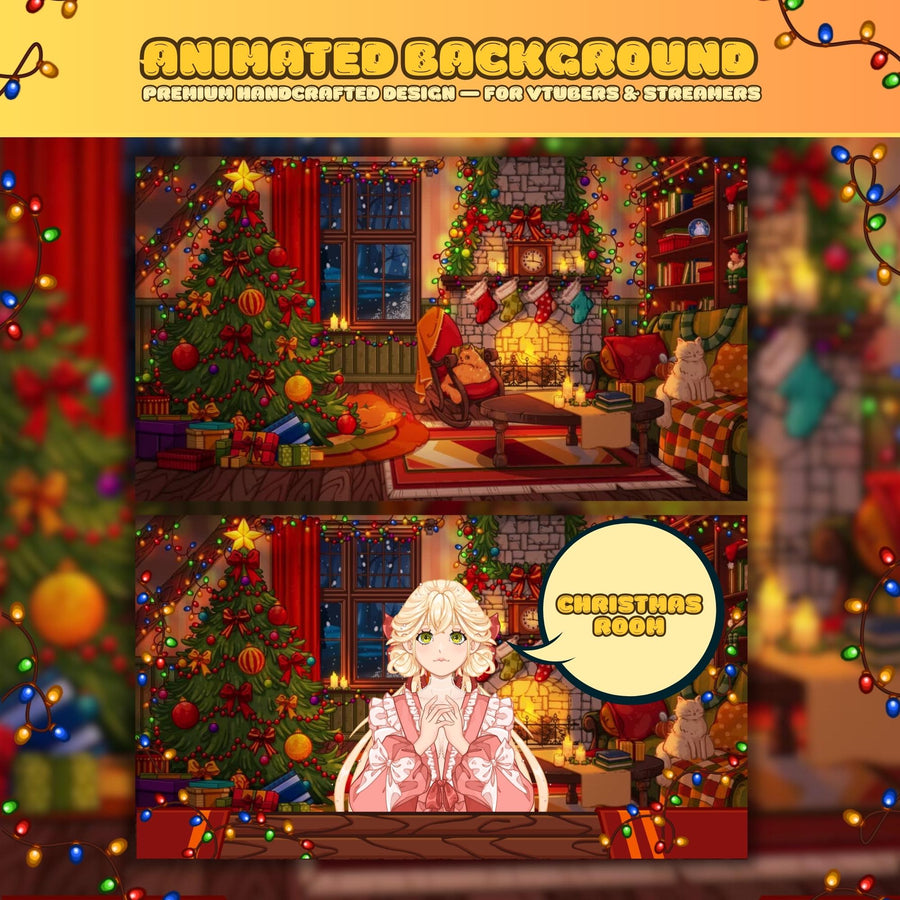
This is the main thing. A free frame from one site, alerts from another and a Starting Soon screen from a third rarely look like one channel. A pack built as one design — same palette, same fonts, same motion style across every piece — is what makes a stream look finished. We explain why this matters in how to build a stream setup that looks like one design.
2. Animation and live data
Static PNG overlays never change. Animated overlays move, and live widgets go further: they show your latest follower, react when someone subs, or let chat take part. That is the difference between a stream that looks like a recording and one that looks live — see interactive stream overlays.
3. Editing without design software
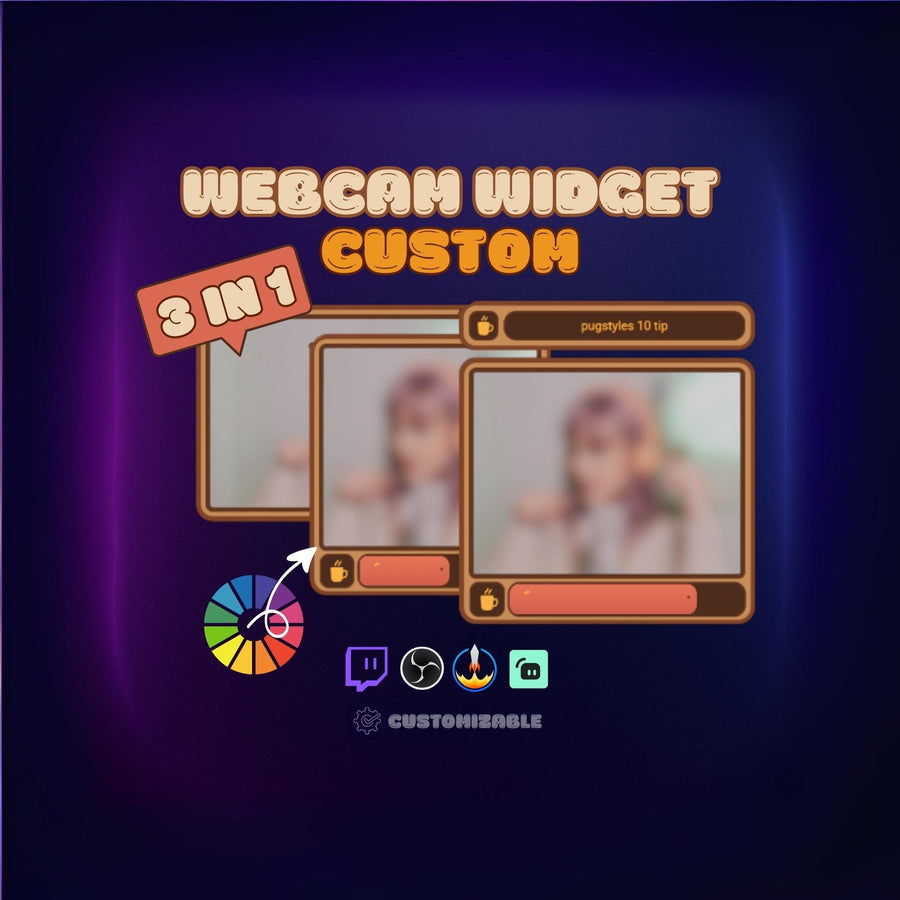
Many paid widgets let you change colours, text and layout in a settings panel. Free PNGs usually need an image editor and the source file — which is often not included.
4. A licence you can rely on
Monetised streams are commercial use. A clear licence that says you can use the asset on your own monetised channel removes the guesswork.
5. Someone to ask
When an overlay does not show up in OBS at 7:55 pm before an 8 pm stream, a seller who answers messages is worth a lot. (So is our overlay troubleshooting checklist.)
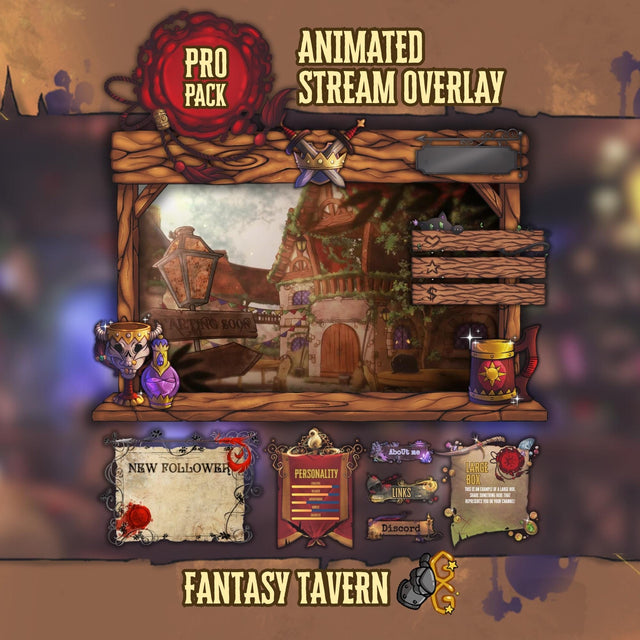 Stream OverlayFantasy Tavern Stream Overlay
$49.99
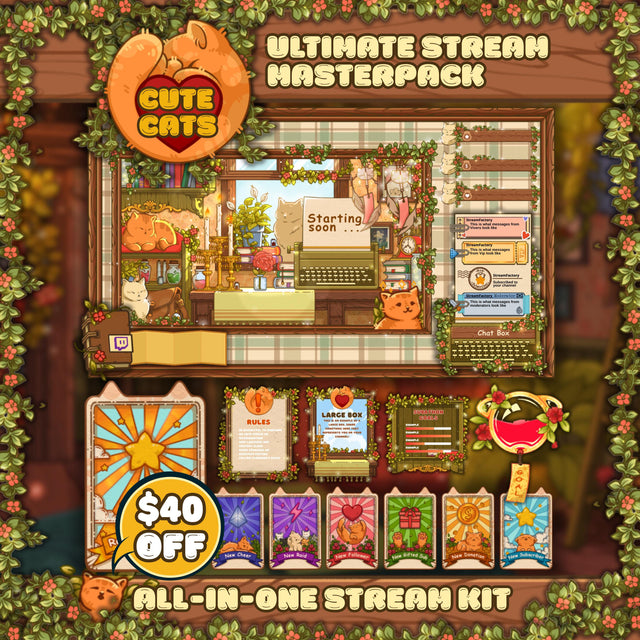 Stream OverlayCozy Cats Stream Overlay MASTERPACK
$79.99
 Stream OverlayRetro Miami City Stream Overlay Pack
$29.99
Check the licence — free or paid
- Is monetised use allowed? Some free assets are "personal, non-commercial only", which can exclude a monetised channel.
- Is credit required? Some free overlays ask for a link or a credit in your panels.
- Can you modify it? Some licences forbid edits.
- Where does it come from? Overlays using characters, logos or artwork from games and films are often not the seller's to license. Original artwork is the safe choice.
- No resale. Almost every overlay licence, free or paid, forbids reselling or redistributing the files.
How to judge any overlay before you use it
- Does it fit your canvas? It should be built for 1920 × 1080 and scale cleanly. See the overlay size guide.
- Does it leave room for the game? Heavy borders that cover the HUD are a dealbreaker.
- Is the text readable on a phone? Many viewers watch on mobile.
- Does it match your webcam shape — 16:9, 4:3 or square?
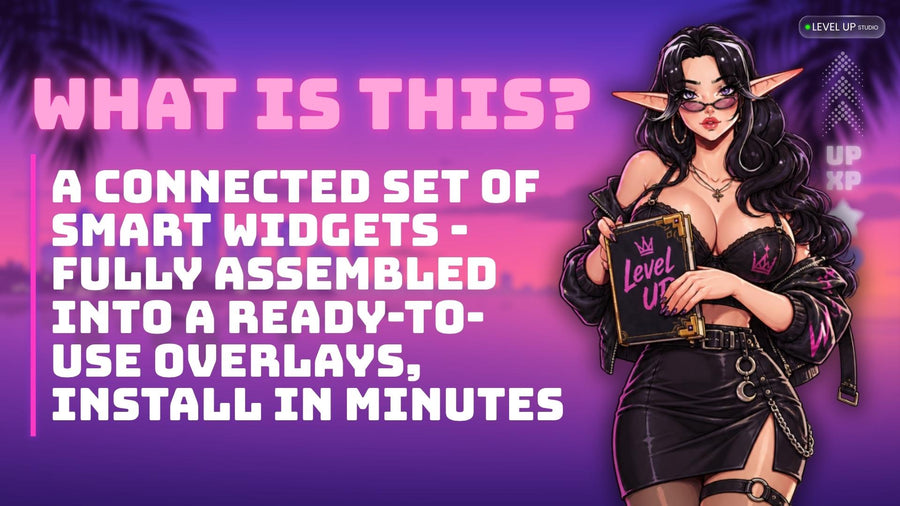
- How does it install? A browser-source widget with a one-click install is quicker than assembling PNGs by hand.
- Is there a preview of it moving? For animated overlays, watch a video, not a still image.
- What happens when it breaks? Check whether there is support, a guide, or at least a FAQ.
A sensible path
Start free. Stream for a few weeks. Once you know your style and you are streaming on a schedule, invest in one complete set in that style rather than collecting single pieces. Then add to it — badges, panels, a seasonal variant — in the same design. Collecting cheap pieces one by one often ends up costing more than a single matching set, and still does not match.
FAQ
Are free stream overlays good enough?
For your first streams, yes. Audio, stability and a consistent schedule matter more than the overlay. A paid set becomes worth it once you know your style and want everything to match.
Can I use free overlays on a monetised channel?
Only if the licence allows commercial use. Some free assets are personal or non-commercial only, or require credit. Read the licence.
Why do some overlays cost more than others?
Mostly scope: a single frame versus a full set with screens, alerts and chat, and static images versus animated widgets that react to events.
Are paid overlays unique to me?
Ready-made packs are shared with other buyers, though far fewer than popular free overlays. Only a custom commission is truly unique.
Do animated overlays slow down my stream?
Usually less than people expect. See do animated overlays hurt your FPS?