Stream OverlaysFull Twitch and OBS setups
Stream AlertsFollow, sub, donation
Stream ScreensStarting soon, BRB, offline
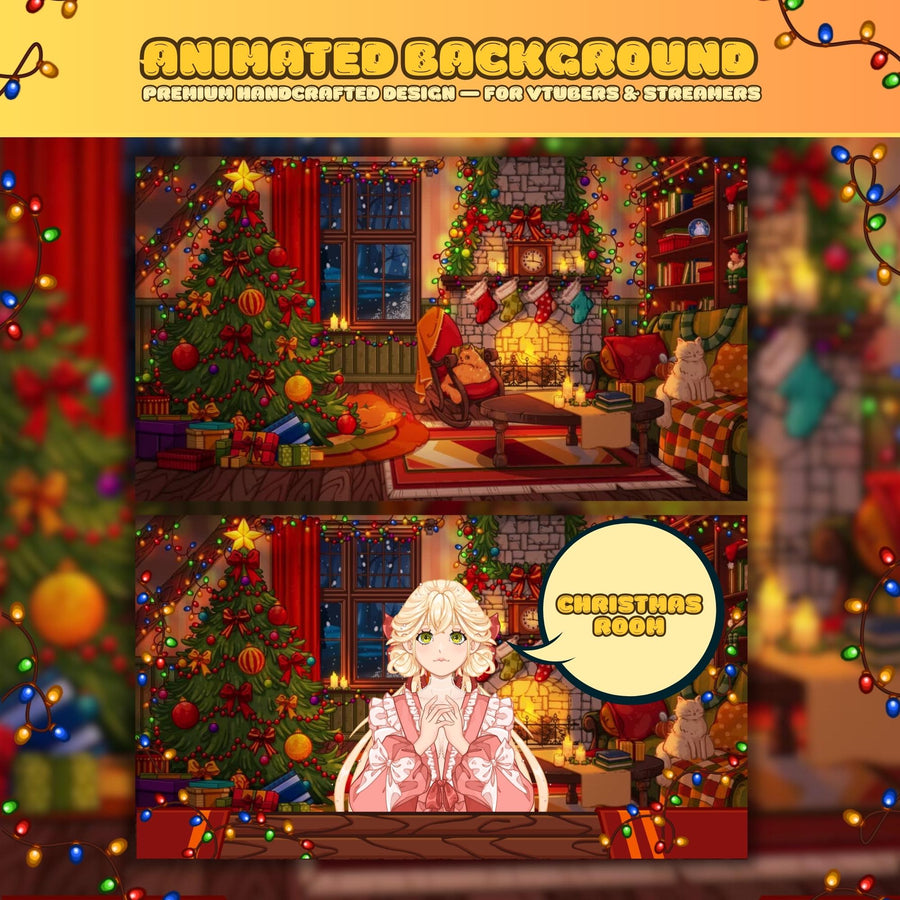
Stream BackgroundsVTuber and webcam scenes
Twitch PanelsAbout, rules, donate
Twitch EmotesSub and bit emotes
Stream SchedulesWeekly stream planners
Sub BadgesSub and bit loyalty tiers
VTuber ModelsPNGtuber and Live2D avatars
Stream DecorFrames, props, stickers
Stream TransitionsStinger scene wipes
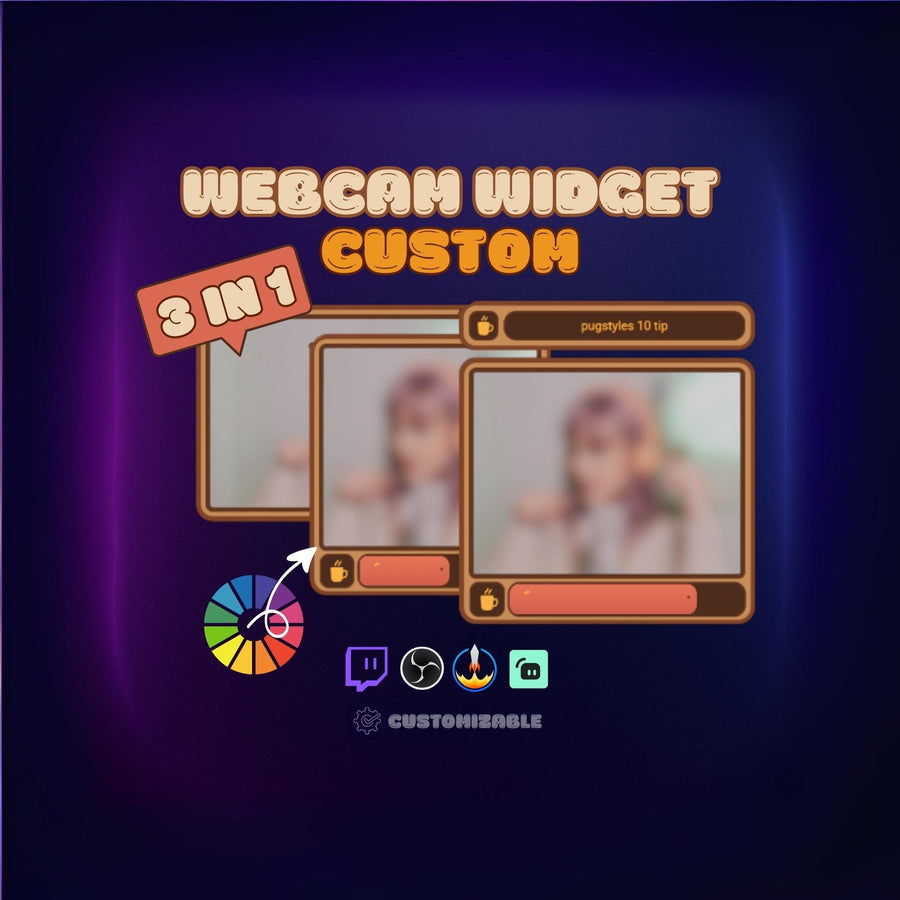
Stream WidgetsGoals, chat, counters
#1 BESTSELLER

Fantasy Tavern Stream Overlay —...
$49.99
SHOP
Stream OverlaysFull Twitch and OBS setups Stream AlertsFollow, sub, donation Stream ScreensStarting soon, BRB, offline Stream BackgroundsVTuber and webcam scenes Twitch PanelsAbout, rules, donate Twitch EmotesSub and bit emotes Stream SchedulesWeekly stream planners Sub BadgesSub and bit loyalty tiers VTuber ModelsPNGtuber and Live2D avatars Stream DecorFrames, props, stickers Stream TransitionsStinger scene wipes Stream WidgetsGoals, chat, countersMORE
BotCommunityGuidesStudio